Software
Download application software for your Eclectric device.
UsbPot
UsbPot GUI application for Windows
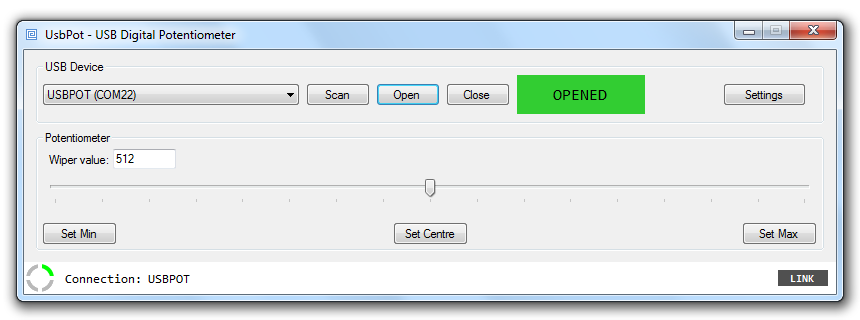
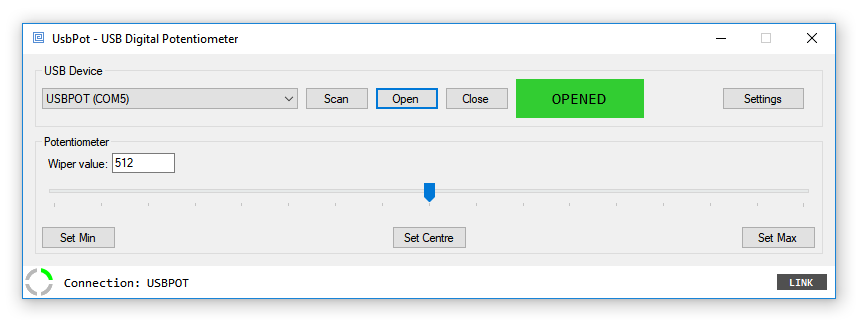
The UsbPot GUI application software, provided free of charge by Eclectric, is a Windows application providing a graphical user interface for simple interaction with the UsbPot device. The GUI application provides a stable 'hot-pluggable' USB serial port connection to the UsbPot device on Windows 7 and Windows 10. The application automatically scans and displays a list of attached Eclectric USB devices. Once a serial port connection has been established with the device, the GUI application is connection failure resilient and able to automatically re-connect without restarting the application, if the UsbPot device is temporarily detached.
The software is compatible with Windows 7 and Windows 10, and can be downloaded for free. See the software direct download section at the bottom of this page.
Windows 7
Windows 10
Software direct download
Download the latest version of the UsbPot GUI application, compatible with Windows 7 and Windows 10.
Available as a single Windows MSI installer package.
Windows 7
To check for your system architecture, goto:
Start -> Control Panel -> System, and look for the 'System type' attribute on the right panel
Windows 10
To to check for your system architecture, goto:
Start -> Settings -> System -> About, and look for the 'System type' attribute on the right panel
Help and support
For more information regarding UsbPot software installation and operation please refer to the Eclectric Wiki UsbPot page.